Under the Hood: The Engineering Decisions That Determine Whether a Digital Notebook Survives Real Use
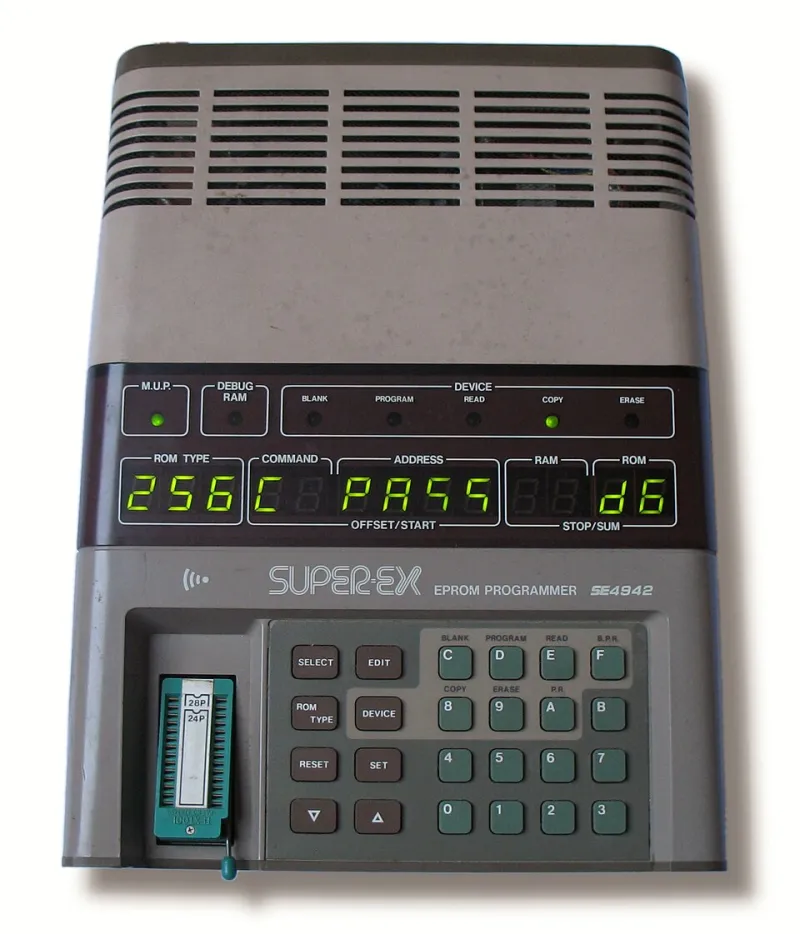
Photo: No machine-readable author provided. Journey234 assumed (based on copyright claims)., Public domain, via Wikimedia Commons
Every note-taking app has a beautiful onboarding flow. Clean typography, satisfying animations, a blank page that feels full of possibility. And then, about three weeks in, something breaks. A note doesn't sync. Search returns nothing useful. You open the app on your phone and your latest entry is just... missing.
You don't switch apps because the font was wrong. You switch because the engineering underneath the surface failed you.
At NotebookLabs, we spend a lot of time thinking about what makes digital notebooks actually work — not just feel good in a demo, but hold up under the pressure of real daily use. So we went looking for the technical decisions that separate the tools knowledge workers keep from the ones they eventually abandon. What we found is that the most important engineering choices are almost never the ones you can see.
The Sync Problem Is Harder Than It Looks
Syncing notes across devices sounds like a solved problem in 2024. It isn't.
The core challenge is what engineers call conflict resolution — what happens when you edit the same note on your laptop and your phone before either device has had a chance to talk to the server. Most consumer apps handle this badly. They either silently discard one version, merge the two in a way that produces garbled output, or simply freeze and force you to choose.
The better solutions borrow from distributed systems research. CRDTs — Conflict-free Replicated Data Types — are a class of data structure designed specifically for this problem. They allow multiple versions of a document to be merged automatically and deterministically, without data loss, even when edits happen simultaneously across disconnected devices.
"CRDTs are genuinely hard to implement correctly," says one product engineer at a note-taking startup who asked not to be named. "Most teams don't bother because they're expensive to build and users don't notice them until something goes wrong. But when something goes wrong with sync, users leave. It's a silent killer for retention."
Apps like Notion use a simpler operational transform approach, which works well for collaborative editing but can struggle under high-latency conditions. Obsidian takes the opposite approach — it stores everything as local plain text files and largely sidesteps the sync problem by keeping the source of truth on your device. Both are defensible engineering decisions. Neither is perfect.
Why Search Breaks at Scale
Search is the other place digital notebooks quietly fall apart. And it's not because search is hard — it's because full-text search at the scale of a personal knowledge base has a specific set of constraints that most teams underestimate.
The naive approach is to index every word in every note and run queries against that index. This works fine when you have 200 notes. At 5,000 notes — which is not an unusual number for a serious knowledge worker after two or three years of active use — it starts to slow down. At 20,000 notes, it can become genuinely painful.
The problem isn't raw search speed. Modern devices can index millions of documents quickly. The problem is relevance. A keyword search that returns 340 results for the word "meeting" is functionally useless. What knowledge workers actually need is semantic search — results ranked by meaning and context, not just keyword frequency.
"We spent six months building keyword search and another six months realizing it wasn't what users actually wanted," says Jordan Reeves, CTO of a productivity tool that recently shipped an AI-powered search feature. "They didn't want to find every note that contained a word. They wanted to find the note they were thinking of. That's a completely different problem."
The newer generation of notebook apps — including Mem, Reflect, and others — are leaning into large language model embeddings to power semantic search. The approach converts notes into high-dimensional vectors that capture meaning rather than just vocabulary, allowing searches like "that thing I read about async communication" to surface the right result even if none of those words appear in the note.
The tradeoff is cost and complexity. Embedding-based search requires either running models locally (which is computationally expensive on mobile devices) or sending data to external APIs (which raises privacy concerns that many users aren't comfortable with).
The Data Portability Question Nobody Asks Until It's Too Late
Here's a technical decision that almost never comes up in reviews but matters enormously over a multi-year relationship with a tool: how does the app store your data, and how hard is it to get it back out?
Proprietary formats are a trap. If your notes live inside a database format that only one application can read, you're one company acquisition or startup shutdown away from losing years of accumulated knowledge. This isn't hypothetical — it's happened repeatedly in the productivity software space.
The engineering teams that take this seriously build around open formats. Plain text, Markdown, and standard file systems are the gold standard. They're not glamorous, but they're durable. An Obsidian vault of Markdown files will be readable in 20 years. A proprietary database blob probably won't.
"We made a deliberate decision to use Markdown and store files locally," one founder told us. "Some investors pushed back — they thought it made us easier to replace. But we thought it made users trust us more. And trust is the whole product for a note-taking app."
The Features That Actually Drive Retention
After talking with engineers and product leads across the space, a pattern emerged about what actually drives long-term retention in digital notebooks. It's not AI features. It's not beautiful design. It's the unglamorous stuff: fast startup times, reliable sync, search that works, and the confidence that your data will be there tomorrow.
"Users will forgive a lot if the app is fast and doesn't lose their stuff," Jordan Reeves told us. "They won't forgive data loss. Ever. One sync failure at the wrong moment and they're gone."
The notebook apps that have built lasting user bases — the ones that show up in productivity communities year after year — tend to be the ones that treated these engineering fundamentals as first-class concerns, not afterthoughts to be addressed once the features were shipped.
At NotebookLabs, we think this is the real product lesson: the ideas become systems only when the systems are built to last. The best notebook isn't the one with the most features. It's the one that's still reliably holding your thinking five years from now.